To check for scam tokens, honeypots and rug pulls, verify a few signs before buying or adding liquidity: whether the token can be sold (sell simulation), whether the creator still holds mint or freeze authority, how much the largest holders own, and whether liquidity is locked. A honeypot is a token you can buy but not sell; a rug pull is when the creator pulls the liquidity or mints new tokens and dumps them.
← All articles · Baca dalam Bahasa Indonesia
How to Check Scam Tokens, Honeypots & Rug Pulls Before You Buy or LP
November 11, 2026
Check for scam tokens, honeypots and rug pulls on Solana, BNB Chain, Base and EVM: A–F security grades, sell simulation, mint/freeze authority, large holders and a blacklist.
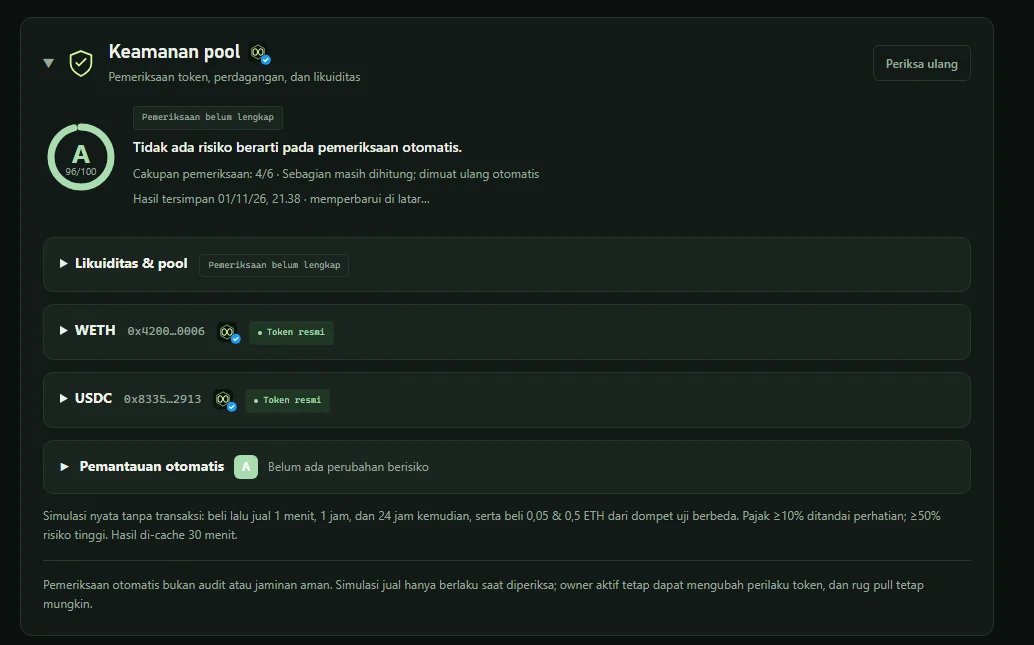
How to check scam tokens before buying or adding liquidity is the habit that saves the most money in DeFi. Honeypots (tokens you can buy but not sell), hidden taxes, live mint authority, and whales ready to rug pull can all be detected before you sign. BaniPool checks every token and pool automatically and assigns an A–F security grade, on EVM and Solana.
Scam token checklist
| Check | Red flag | Networks |
|---|---|---|
| Sell simulation | Cannot be sold (honeypot) or high sell tax | EVM & Solana |
| Buy/sell tax | ≥ 50% = instant F | EVM |
| Mint authority | Creator can still mint tokens | Solana (mint authority), EVM (mint function) |
| Freeze authority | Creator can freeze your balance | Solana |
| Owner / proxy | Contract can be changed silently | EVM |
| Holder concentration | One address holds most of the supply | All |
| Withdrawable liquidity | LP not locked/burned | All |
| Creator history | Creator abandoned other tokens before | Solana |
| Organic volume | High volume from few wallets (bots) | All |
| Impersonation | Name/symbol copies an official asset | All |
How the A–F grade is computed
Each check is Not indicated, Caution, High risk or Unknown. The score starts at 100: high risk −35, caution −8, unknown −2.
- Honeypot, tax ≥ 50%, or impersonating an official asset is an instant F.
- Any single high risk caps the score at 55.
Blacklist & "Detected scam" category
- Tokens graded F are automatically blacklisted with the reason and detection time; they leave only when a full re-check scores ≥ 60.
- Blacklisted tokens get a ⛔ Scam badge in the token picker and ⛔ Scam token in the positions table.
- Radar flags Detected scam when ≥ 2 danger signals appear — creator history, creator and whale supply %, mint/freeze authority, or bot volume.
- Swap and Create pool show a red warning that must be confirmed.
How to check a token on BaniPool
- Paste the token address into search or open its pool.
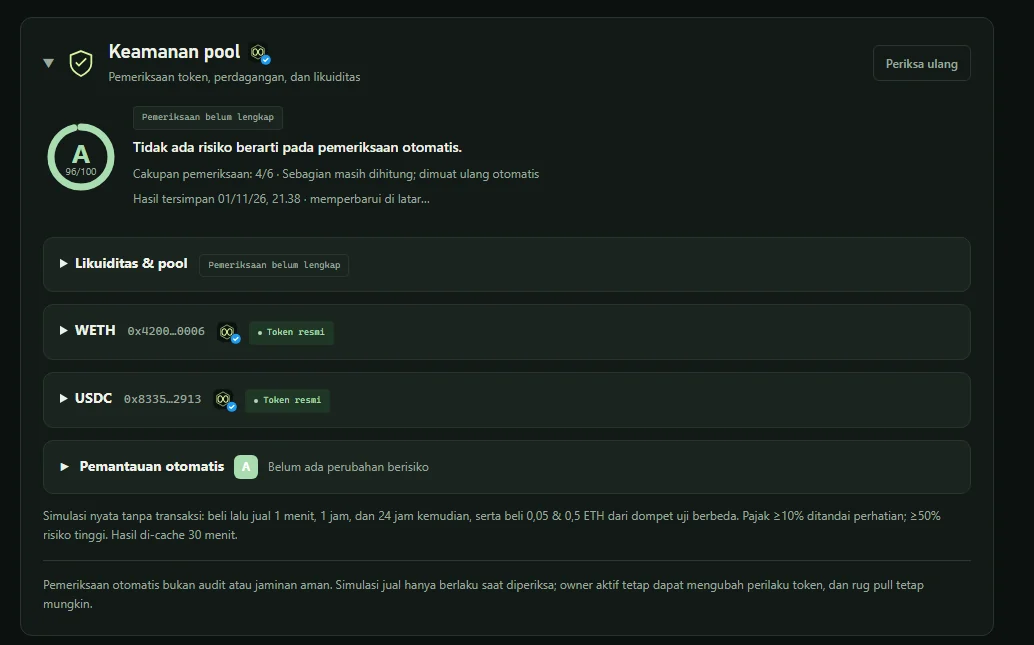
- Read the Pool security panel — grade, check details and grade history.
- Press Re-check for a fresh scan; in Settings you can run it on your own device with your own RPC.
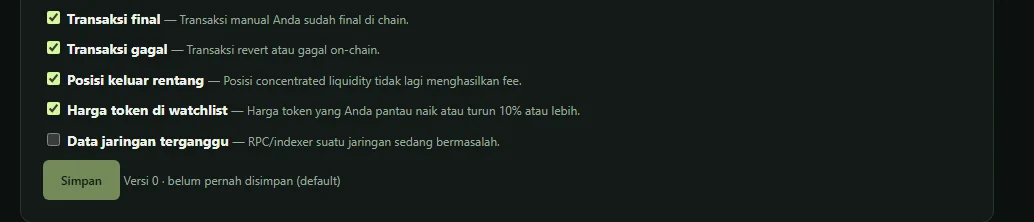
- Enable Automatic monitoring to be alerted when something risky changes.
A real Radar example: a pool with $490K liquidity was graded F because the contract owner held 92% of the supply.
Limits
Automated checks are not an audit and not a guarantee. A sell simulation is valid only at the time of the check; an active owner can change token behavior. Use at least two sources and start small.
FAQ
What is a honeypot in crypto?
A token you can buy but cannot sell — or can sell only with a near-100% tax.
What is a rug pull?
The token creator pulls liquidity or dumps a large supply so the price collapses. Signs: unlocked liquidity and concentrated holders.
Does an A grade mean the token is safe?
No. It means no risk was detected at check time. Market risk and changes in token behavior remain.
Related articles
Liquidity Pool Rug Pull Warning Signs: Collapsing TVL, Token Authorities & How to Protect Your Position
Spot rug-pull warning signs before and after depositing into a liquidity pool: collapsing TVL, mint/freeze authority, large holders, honeypots, fake volume — and how to protect your LP position.
How to Connect BaniPool to Telegram: LP Position Alerts & Bot
Step-by-step guide to connecting your BaniPool wallet to the @BaniPool_bot Telegram bot: sign up with your wallet, press Connect Telegram in Settings, then Start. Plus /positions, /pnl and /price.
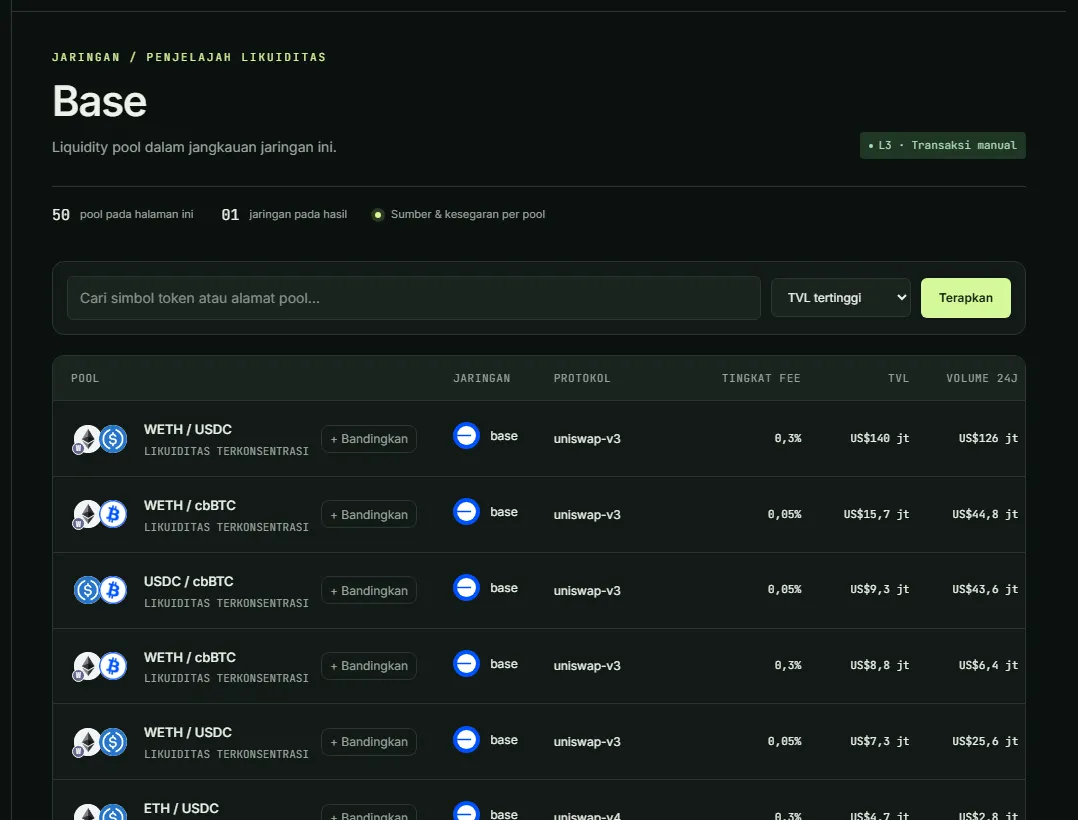
How to Add Liquidity on Base: Uniswap vs Aerodrome (2026 Guide)
Add liquidity on Base with Uniswap v3/v4 or Aerodrome: key differences, top pool APR data, Zap In with ETH, AERO rewards, and why Base needs no private mempool.