To get the cheapest token swap, compare routes across several DEXs at once (an aggregator) and check price impact, minimum received and slippage before signing. A cross-chain swap turns a token on one network into a token on another network in one step, for example through Across. High price impact means the pool is too small for your swap size; overly loose slippage invites sandwich attacks.
← All articles · Baca dalam Bahasa Indonesia
Cross-Chain Token Swap: How to Get the Best Rate Across Networks
November 11, 2026
Swap tokens on 9 EVM networks and Solana with the best route, including cross-chain swaps via Across: read price impact, minimum received, slippage, and use a private mempool.
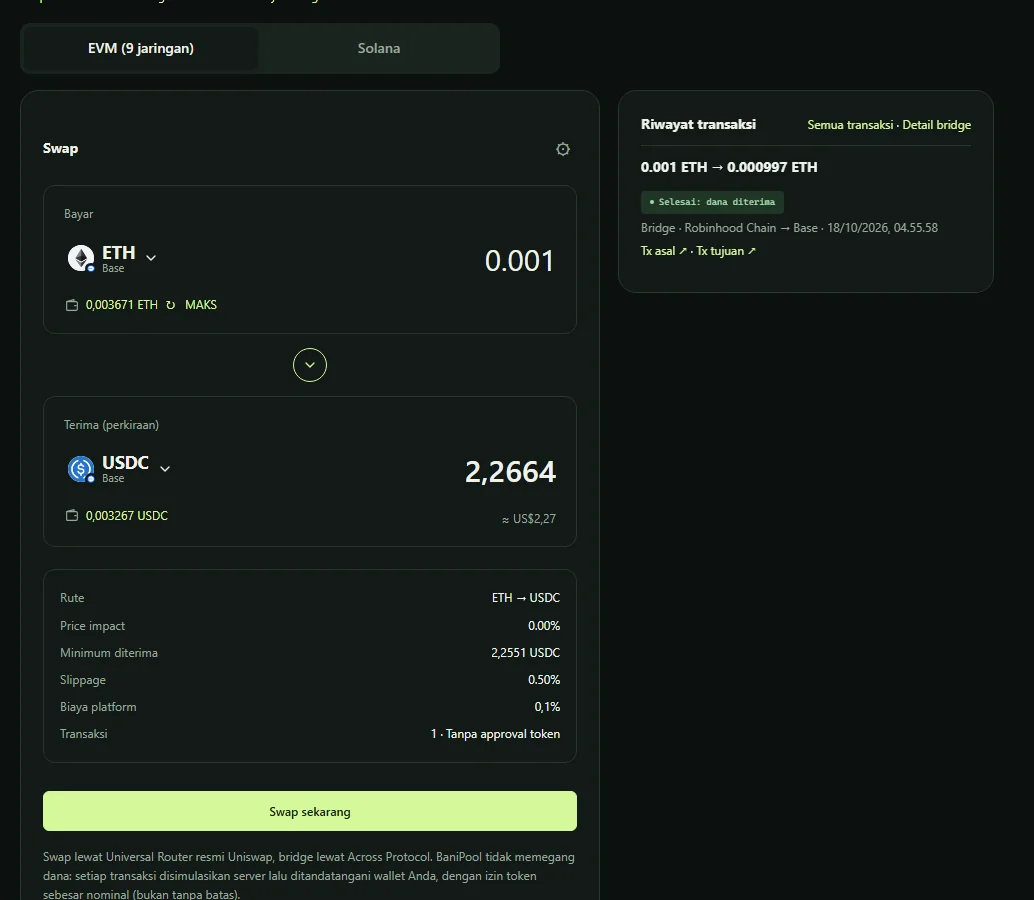
A cross-chain token swap at the best rate means picking the right route, sensible slippage, and protecting the transaction from bots. BaniPool's Swap page trades tokens on 9 EVM networks and Solana, including across networks: the best route is found automatically across registered Uniswap pools (direct or via an intermediate token, up to 2 hops), Solana uses Jupiter routes, and when the source and destination networks differ, the Across bridge is used automatically.
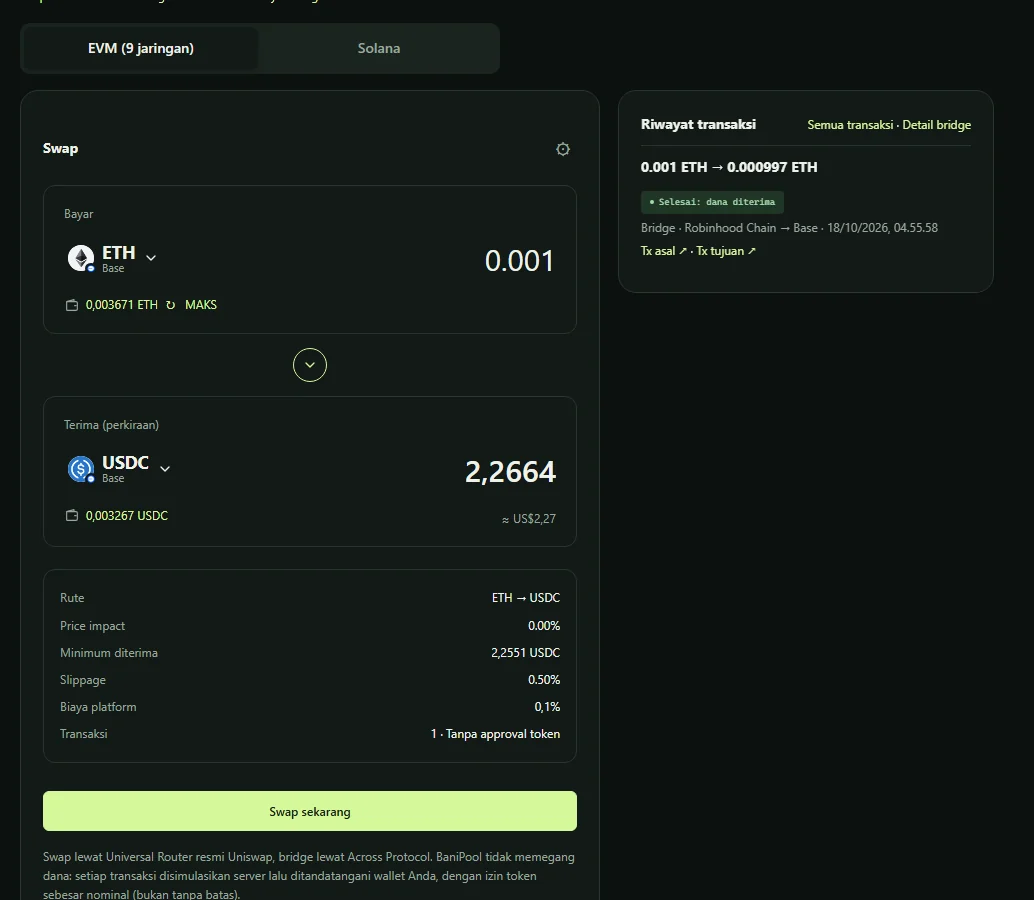
How to swap tokens
- Log in and choose the EVM (9 networks) or Solana tab.
- Under Pay, choose the token and source network, then enter an amount (or MAX).
- Under Receive (estimated), choose the token and destination network — it can differ from the source.
- Review the details, open ⚙ for slippage and private mempool, then click Swap now.
Reading the swap details
| Term | Meaning |
|---|---|
| Route | The token path used |
| Price impact | How much your trade moves the pool price |
| Minimum received | The guaranteed minimum; if not met, the transaction reverts |
| Slippage | The price movement you allow |
| Platform fee | Always shown before signing |
| Transactions | Number of transactions, including approval if needed |
Cross-chain swaps
For example, USDC on Base → ETH on Robinhood Chain: BaniPool swaps and moves funds via Across in one flow. A relayer fills the destination; if it is not filled before the deadline, funds are refunded to your wallet on the source network. Status advances only with on-chain proof on both networks. Just moving the same asset? See how to bridge ETH and USDC.
Tips for cheaper, safer swaps
- Swap on low-gas networks when possible.
- Slippage or price impact above 5% is allowed only with Expert Mode.
- Token approvals are always for the exact amount, never unlimited.
- Unverified or blacklisted tokens show a warning.
- Protect against sandwiches: Jito on Solana, private RPCs on Ethereum and BNB — see what is a sandwich attack.
EVM swaps use Uniswap's official Universal Router; BaniPool never holds your funds.
FAQ
Are cross-chain swaps safe?
Cross-chain swaps use Across: funds are locked on the source chain and refunded if a relayer does not fill before the deadline.
Why is the received amount different from the estimate?
The price moved between quote and execution. As long as it is above Minimum received, the transaction succeeds.
Where can I see my swap history?
In the Transaction history panel beside the Swap page and on the Transactions page.
Related articles
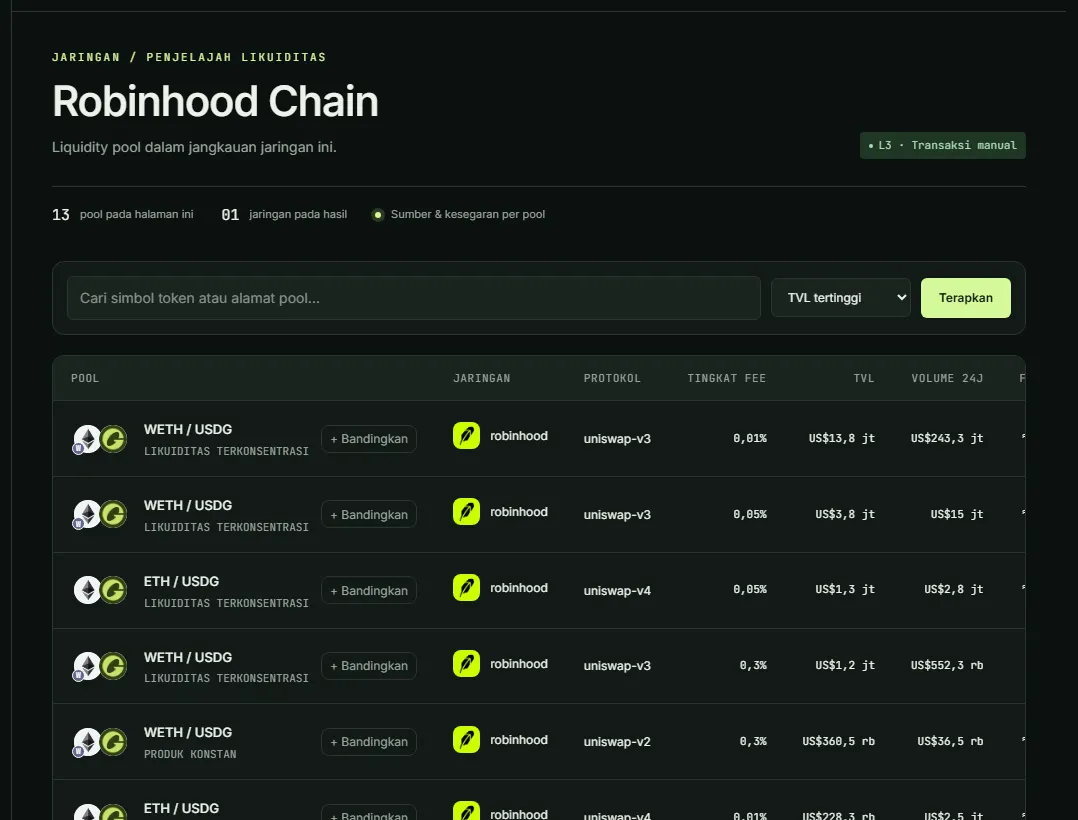
How to Add Liquidity on Robinhood Chain: First-Mover LP Guide
Add liquidity on Robinhood Chain (Arbitrum-based L2): bridge ETH, the WETH/USDG pool doing $246M daily volume, Uniswap v3/v4, and becoming a first LP.
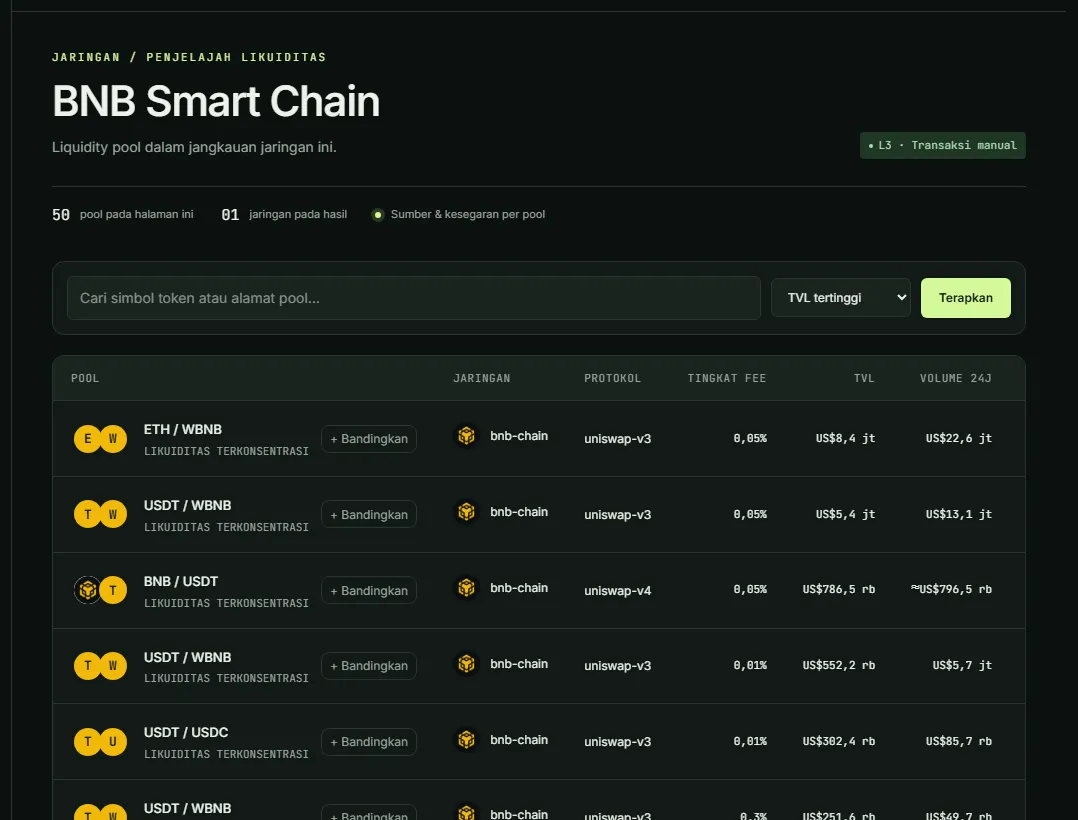
How to Add Liquidity on BNB Chain (Uniswap v3/v4): Beginner Guide
Add liquidity on BNB Smart Chain with Uniswap v3 & v4: pick a WBNB/USDT pool, set a range, Zap In with BNB, and protect transactions from BSC sandwich bots.
Impermanent Loss Calculator & Liquidity Pool Simulator (No Wallet)
Calculate impermanent loss for full-range and concentrated liquidity (Uniswap v3, Orca): a table per price change, the effect of range width, and a free LP simulator without a wallet.